API Authentication Methods
To access the API, you need to authenticate with the Business Wallet API. Two authentication methods are available:
- OAuth 2.0 Client Credentials flow
- API Key
Both methods are managed in the Business Wallet under Settings → IAM → API Access.
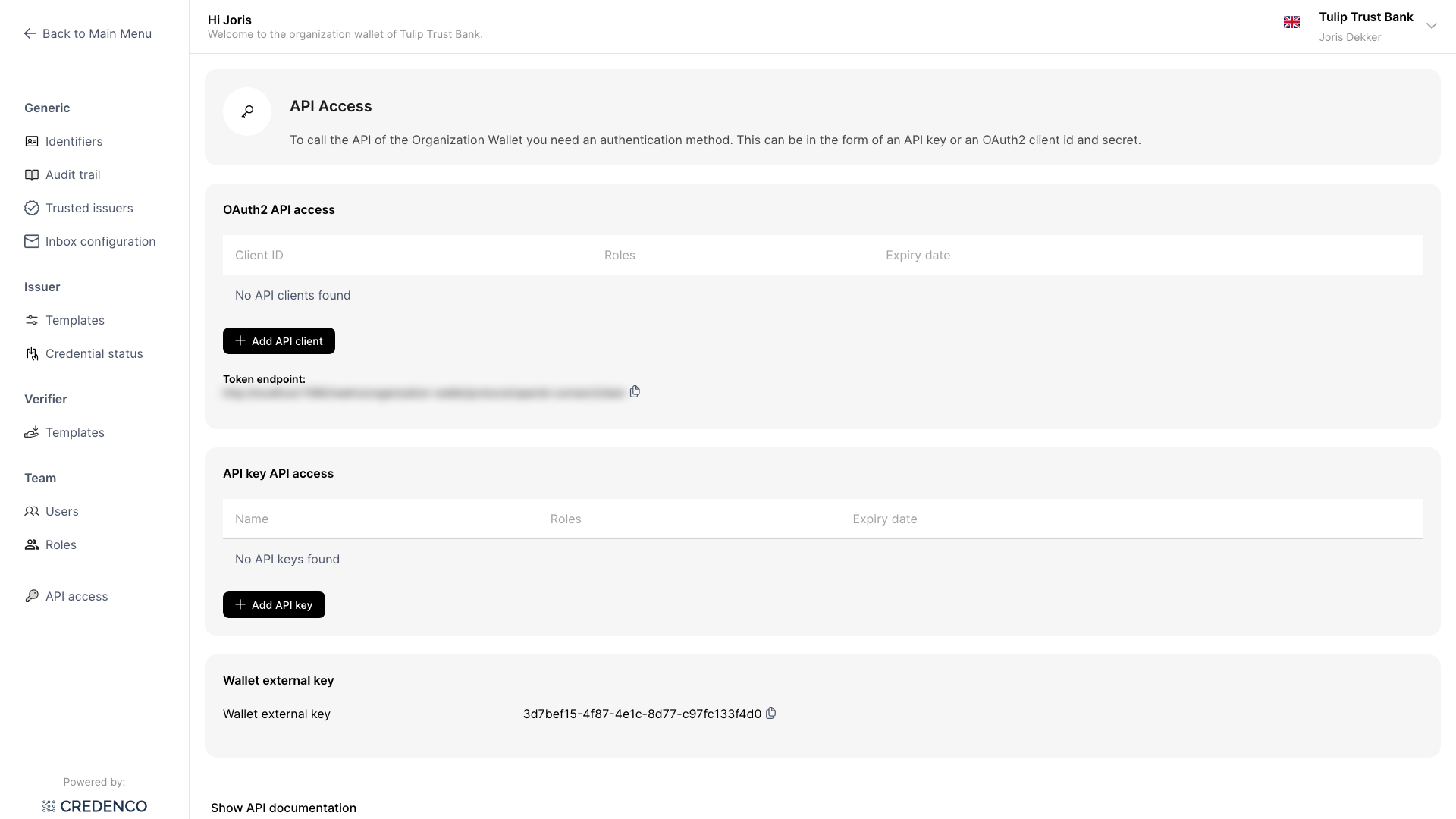
OAuth 2.0 Client Credentials flow
Create a client ID to authenticate using the OAuth 2.0 Client Credentials flow. Each client ID has its own set of roles and expiry date — allowing you to grant different integrating parties exactly the access they need.
Use the client ID and client secret to obtain an access token from the token endpoint. Pass the token as a Bearer token in API requests.
For detailed instructions on creating and managing client IDs, see the Client ID guide.
API Key
Create an API key for a simpler authentication method that does not require an OAuth token exchange step. Pass the API key in the x-api-key HTTP header of each request:
x-api-key: <API-KEY>
Each API key has its own set of roles and expiry date.
For detailed instructions on creating and managing API keys, see the API Keys guide.